Insights
WisprFlow - how I talk to my laptop and stopped typing
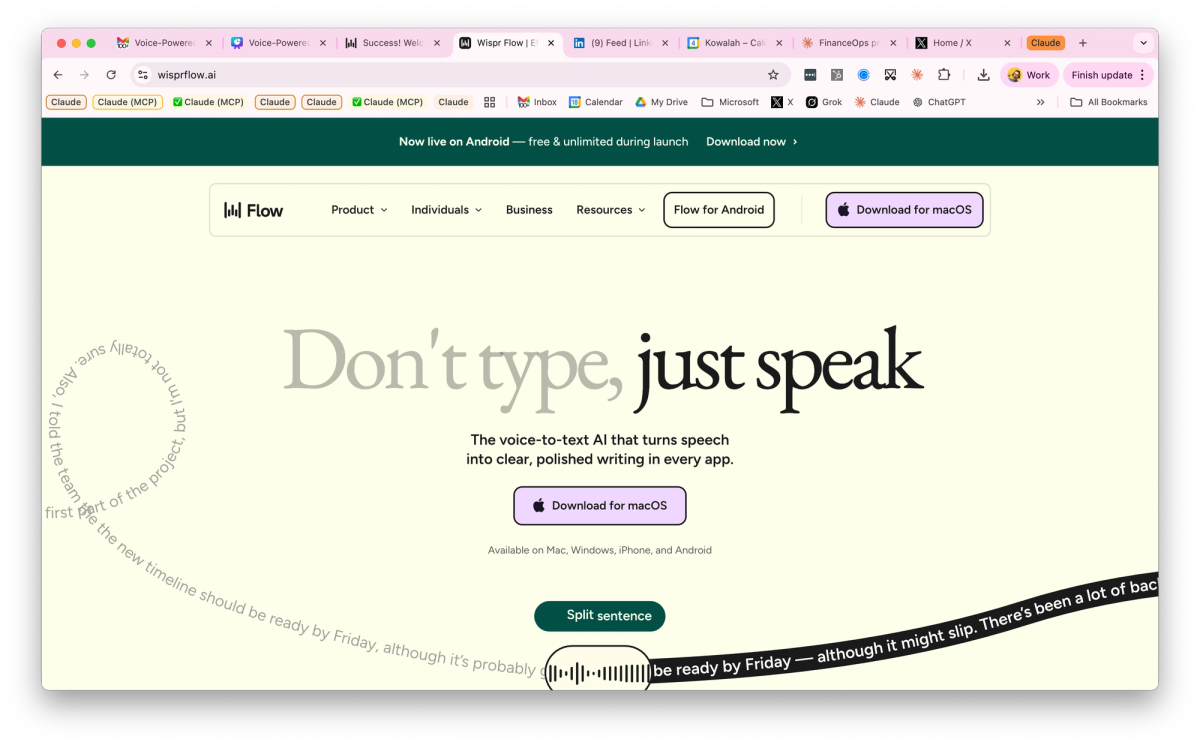
Voice has changed the way that I interact with my laptop and all of the applications I use through it (including AI models).
I am writing this blog post by talking to my laptop using WisprFlow.
They say you should write like you talk, and that is exactly what I am doing!
In this article, I'll give you some of my top tips for using WisprFlow and explain why it is so powerful when interacting with AI, whether that is Claude or ChatGPT, or a coding platform like Claude Code, Codex, or Cursor.
What is WisprFlow?
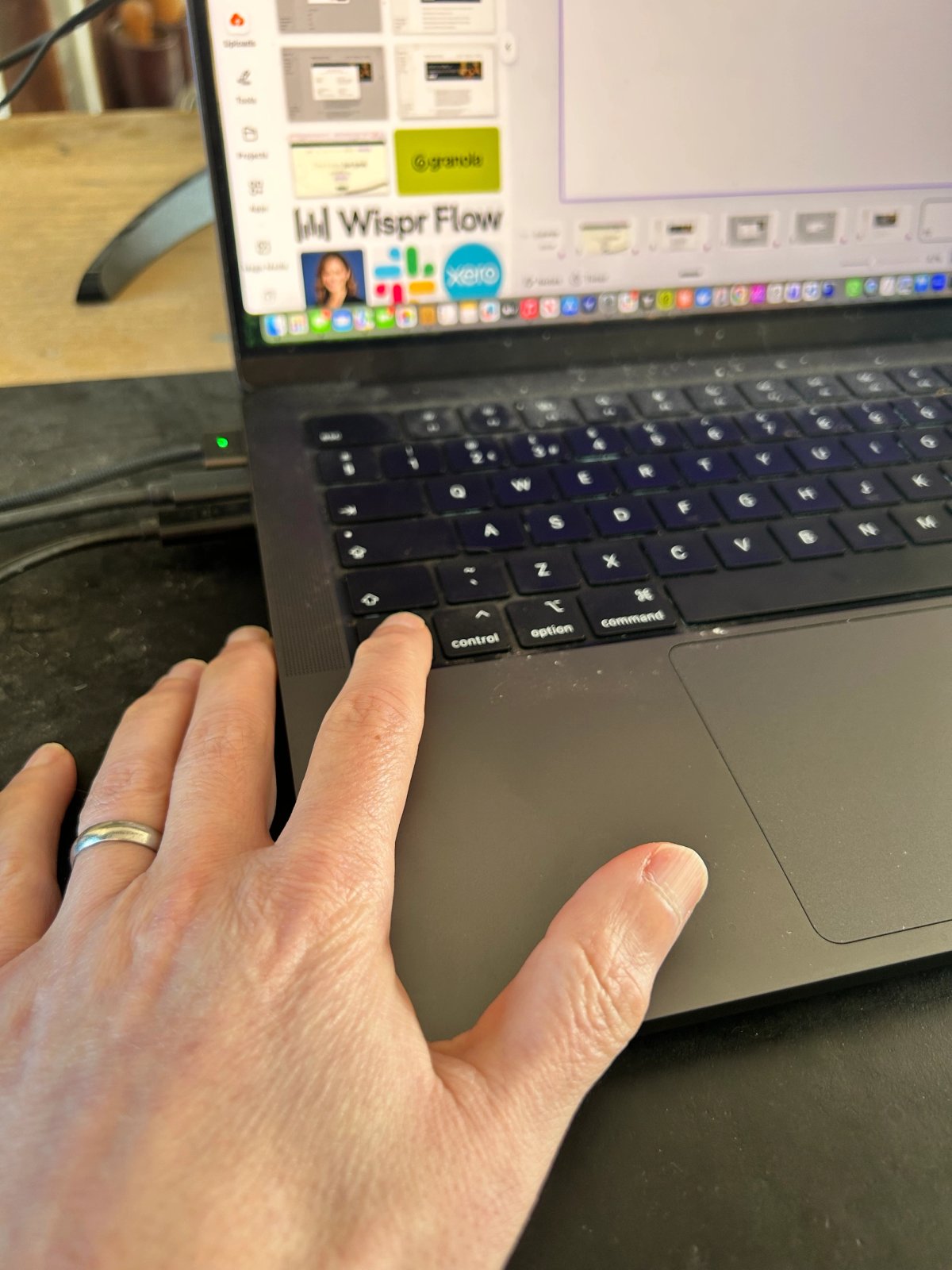
WisprFlow is an AI transcription tool that you download onto your laptop or phone. Whenever you press your function button (on a Mac) you speak, and when you let go of that function button, the words appear directly wherever your cursor was.
I use WisprFlow across every application, whether that is writing emails, WhatsApp, LinkedIn messages, even this Kowalah newsletter.
It is faster, it is more accurate, and it's easier for me to get my thoughts into text than typing.
Why is WisprFlow great for AI tools?
AI tools, and by that I mean anything from your ChatGPT and Claude through to coding tools like Claude Code and Cursor, thrive on context.
The more you can give it, the more it will give you back.
When you type, you're restricted by your speed of typing and the effort you'll put in to provide details - you type something like, "Can you help me make this UI better?"
But when you talk, you provide much richer context, as if you were speaking to another human,
"Hey Claude, we've started to get some feedback from some of our users that the UI is not so intuitive. A couple of things:When it's on mobile, people are saying that there is a bit of a horizontal scroll, and so it's difficult to try and find what they're supposed to do.When they need to click buttons, they're saying that the resolution or the difference between the buttons and the normal text is a bit difficult to see, so they are not sure where they should be clicking.Can you take a quick look at that and then let me know a couple of approaches for how we might solve that?"
I'm just never going to type that amount of detail, but I would happily say it, as I just have done.
Reasons why you might not want to use voice
I'm a big voice advocate, but I hear some common (and some valid) reasons why people are reluctant to try it:
- I can type really fast - Especially engineers; however fast you can type, you can talk faster, and the cognitive load of talking is so much less that you'll end up with much more depth than you would if you typed
- I don't like speaking - I understand and accept this. If you don't like the sound of your own voice and aren't comfortable speaking to other people, then speaking to your computer is going to be a challenge.
- I work in an open plan office - When I started work in 1999, I was in an open plan sales office and everyone talked. It's only post-COVID where it feels publicly unacceptable to make any noise in an office. How sad. See below for some tips to get around this
- What if I make a mistake? - WisprFlow is fantastic at figuring out where you've made a mistake or backtracked and tidying it up before the words go on the page - just keep talking and WisprFlow will figure it out!
How to Flow like a Pro
Get a microphone and for super advanced, foot pedals!
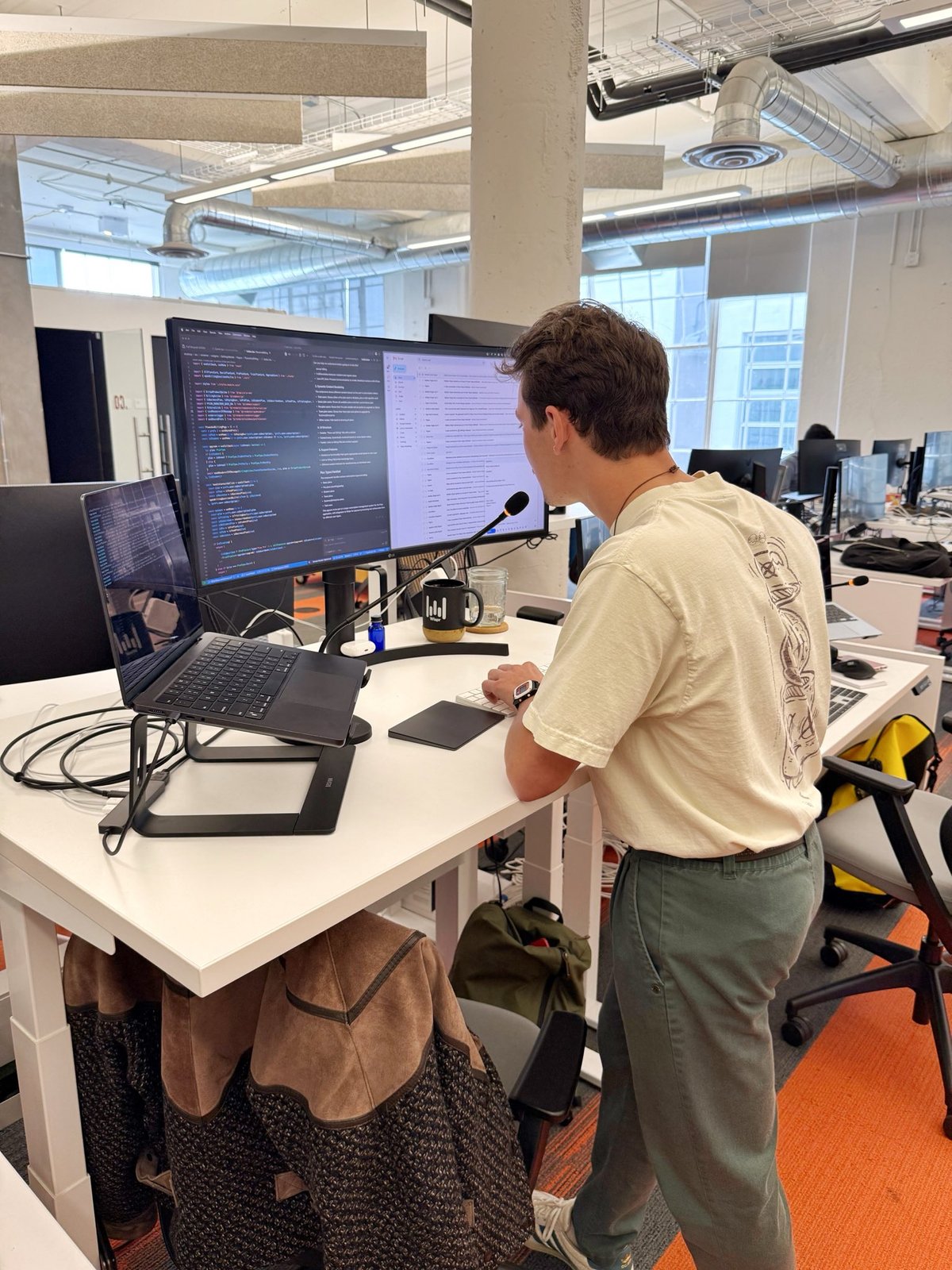
WisprFlow works fantastically with your normal laptop microphone, but if you are in an open plan office and you're worried about other people listening in, get a microphone like this and you literally can whisper into it.
(note that it is not great with AirPods - better to lean into your laptop)
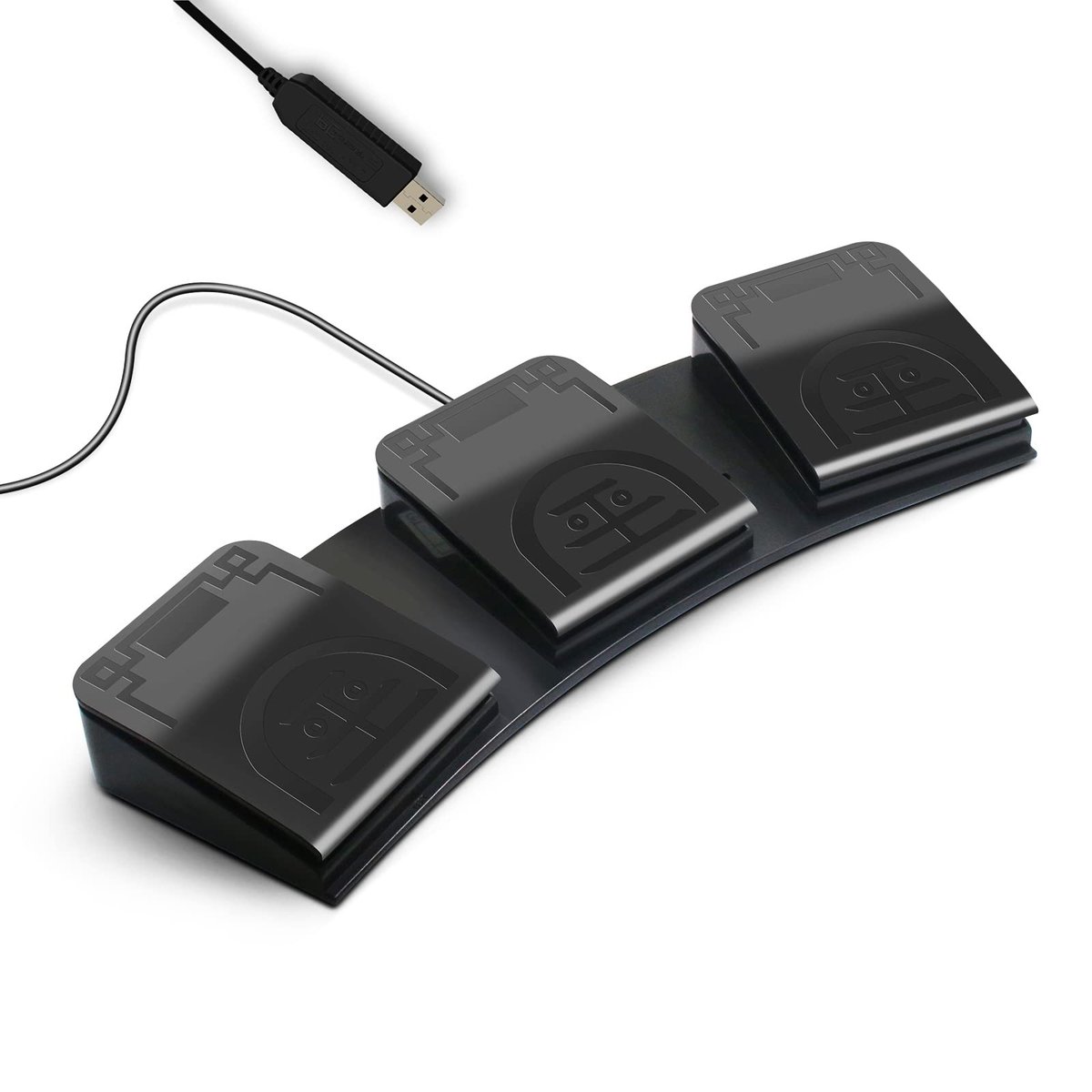
and if you want to remove the need to hover your finger over your function button and you work at the same desk, consider these foot pedals that plug into your laptop and allow you to control not just WisprFlow, but other tools on your laptop
Let WisprFlow format your text
and when using WisprFlow, just say what you want to happen
- Lists: My top goals this week are one finish the report two send the presentation.
- Punctuation: I can't wait to see you exclamation point Let's meet at seven period.
- Line breaks: When is board meeting new line should be tomorrow.
- Backtrack: Lets meet at 7 actually 6
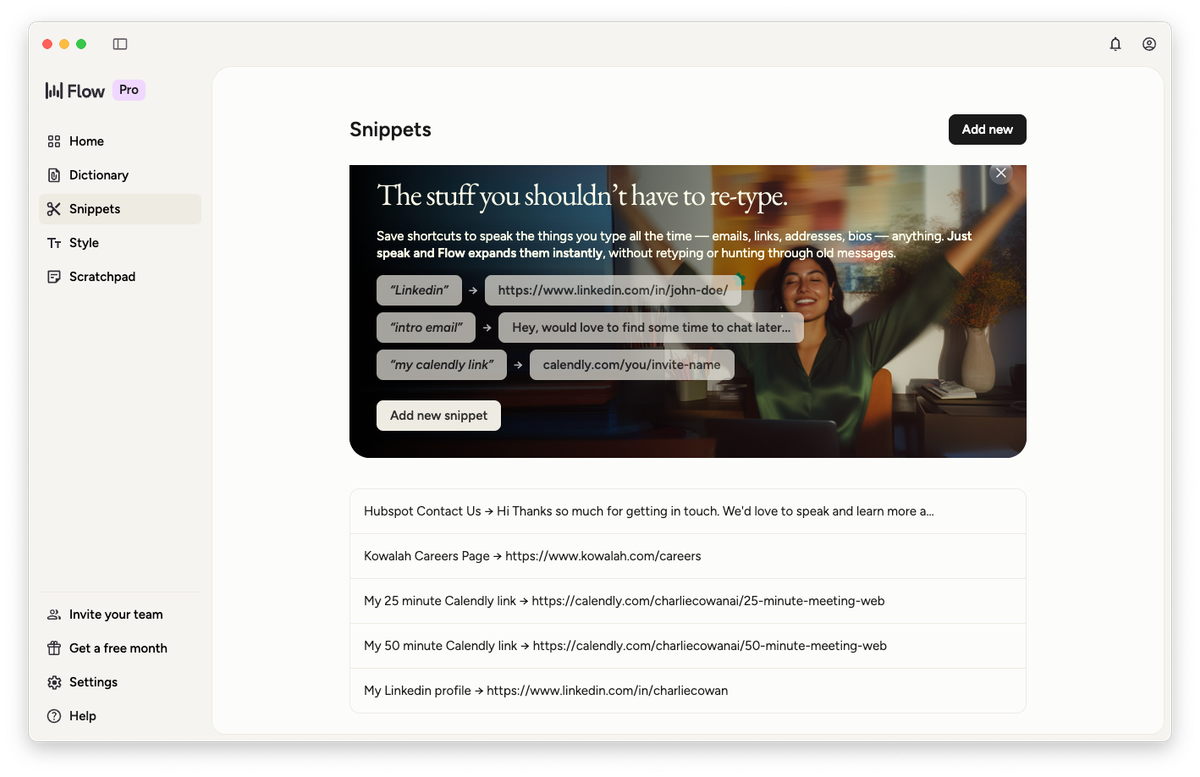
Use snippets for common phrases/links
If you find yourself regularly copying across links, such as your Calendly link or your LinkedIn profile, you can create these and then all you need to do is say "my Calendly link" and it will put it in
Go Deeper
We went deeper on WisprFlow (and my other favorite voice AI tool Granola) on this week's Kowalah Wednesday webinar.
Watch the full video below to get more details.
Enjoy,
Charlie
Enjoyed this?
Weekly insights for executives navigating enterprise AI. A five-minute read.