Insights
Claude Enterprise Pricing and the Move from Team: What Changes at 150 Seats
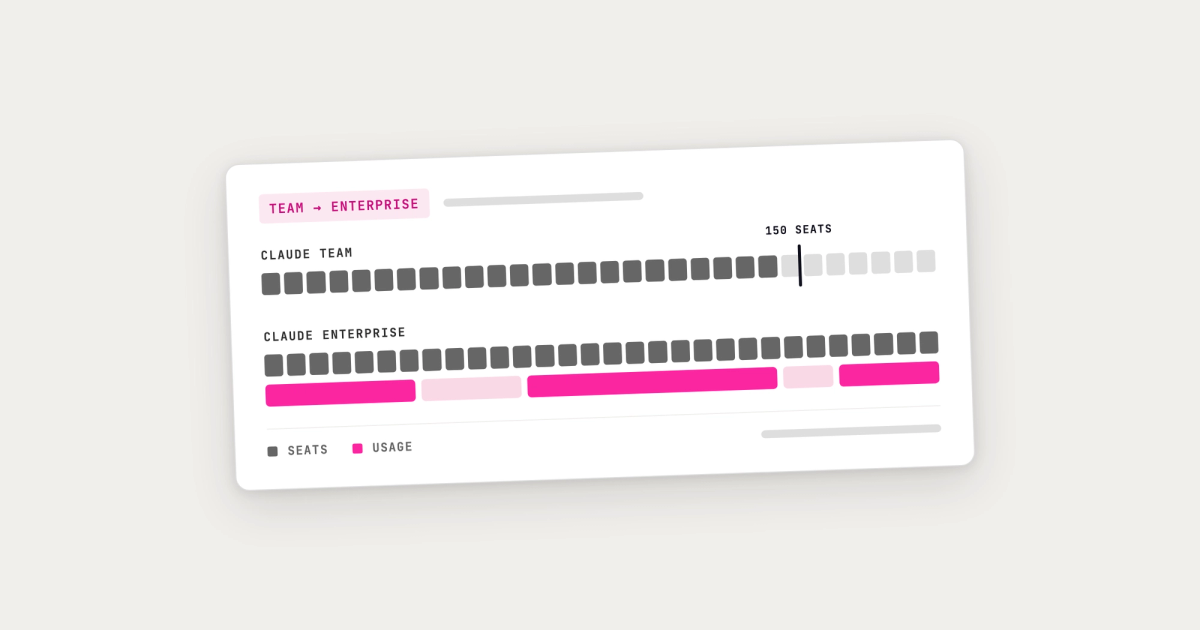
Claude Team is the easy way in: a flat price per seat, set up in an afternoon. Then usage spreads, you approach 150 seats, and the move to Claude Enterprise lands on your desk with a different pricing model attached. This guide sets out what changes, what it costs, how to plan the switch, and when staying on Team is the right answer. Everything below is correct as of September 2026.
We are Kowalah, a UK Anthropic Implementation Specialist, and we help organisations make this move. We have kept the facts dated and sourced from Anthropic's own documentation so you can check them.
The short answer
- Claude Team stops at 150 seats. Above that, Anthropic moves you to Claude Enterprise.
- Enterprise changes the pricing model, from a flat seat price to a seat fee plus usage at API rates. Cost now follows use.
- Staying under 150 seats to avoid that switch is the expensive option in disguise. It keeps the invoice predictable, but leaves you with the fewest cost controls and no single view of spend or data.
- Plan the move as a programme, not a billing change: consolidate accounts, set spend limits and user groups on day one, and choose sensible default models.
Claude Enterprise pricing: what changes at 150 seats
| Claude Team | Claude Enterprise | |
|---|---|---|
| Seats | 2 to 150 | From 20; no upper limit |
| Price | Standard seats $20 per month billed annually ($25 monthly); premium seats $100 ($125 monthly) | A seat fee billed annually, plus all usage at standard API rates |
| What the seat buys | Access plus an allowance of usage | Access only; usage is billed on top |
| Products | Claude apps, Claude Code, Cowork | Claude apps, Claude Code, Cowork |
Enterprise is built for organisation-wide control. Anthropic lists SSO, SCIM provisioning, custom roles, user groups with their own spend limits, spend limits for the organisation and individual users, audit logs, a Compliance API, an Analytics API, custom data retention and customer-managed encryption keys.
The line that matters is "what the seat includes". On Team, the seat price buys a usage allowance, so the invoice is fixed. On Enterprise, Anthropic states that the seat fee covers access to the platform and does not include any usage; all usage is billed separately at API rates. Your costs now depend on who uses Claude, how much, and with which models.
Why organisations stall below 150
We call it Claude Limbo. Rather than cross 150 seats, organisations keep usage under the ceiling. It looks like this:
- More than one Team plan, each under the limit
- Personal Pro and Max plans bought on expenses
- Claude for one group, and a different AI tool for everyone else
Each of these keeps the monthly bill flat. Each also costs you something harder to see: no organisation-wide view of who is using what, spend scattered across expense claims, company data sitting in personal accounts outside your controls, and none of the group controls, audit logging and compliance tools Enterprise is built for. The organisations with the strongest demand for Claude end up on the plan with the weakest governance.
Self-serve or sales-assisted Enterprise
Enterprise comes in two forms, and the difference changes how your limits behave.
Self-serve Enterprise is bought online. You pay for usage upfront as credits, which the whole organisation draws down. When the credits run out, usage stops until an owner buys more. If a user or the organisation reaches a spend limit, their usage stops even if credits remain.
Sales-assisted Enterprise is agreed with Anthropic's sales team under a contract. Usage is billed monthly in arrears, based on actual consumption, so there is no balance to run down and no ceiling unless you set one. When a spend limit is reached, usage stops until the next billing period or until an owner raises the limit.
Choose self-serve if you want a hard, prepaid budget from the start. Choose sales-assisted if you are rolling out across the organisation and want invoiced billing, in which case setting your own limits is essential, because nothing else will stop spend.
Modelling the first-year cost
Enterprise cost has two parts: seats, which are predictable, and usage, which is not until you measure it. To build a first-year model:
- Count active users, not headcount. Base seats on the people who will use Claude every week in the first year, not everyone with a login.
- Split users into groups by how they work. A lawyer drafting contracts, an analyst in finance and an engineer using Claude Code consume different amounts. Build the model per group.
- Know what drives token cost. The model and the thinking level matter most. As a rough guide, a large model on its highest thinking setting can use around ten times the tokens of a smaller model on a low setting for the same question, and each token costs more. Heavy surfaces such as Claude Code add more.
- Run a baseline month. Real usage data from your first month beats any estimate. Use it to set group limits and to rebase the forecast.
- Budget for the second bill. People using Claude through Enterprise is one bill. Agents and applications you build on Anthropic's API and Managed Agents platform are billed separately under Claude Platform.
Planning the switch
1. Consolidate into one organisation
Bring scattered Team plans and personal accounts into a single organisation, so you have one view of usage and one set of controls. Anthropic recommends upgrading your existing Team organisation rather than creating a new one: the upgrade keeps chat history, projects, shared content, memberships and roles. Anthropic also notes the upgrade cannot be reversed, so make the decision deliberately.
2. Set spend limits before you invite anyone
During the upgrade you set a per-user spend limit and a starting usage balance. Add an organisation-wide limit as your backstop, so the worst case is that Claude pauses and you review, not an invoice you did not expect.
3. Build groups that mirror your cost centres
With SCIM provisioning, people join the right groups automatically when they start and leave them when they go. Groups let you set different limits for different teams and report spend in the shape of your organisation chart, which is what finance will ask for.
4. Set default models and entitlements
People rarely change the default model, so the default drives your spend. Set the default to a capable, lower-cost model and a moderate thinking level, and use custom roles to decide which groups can use the largest models and the heaviest surfaces, such as Claude Code.
5. Turn on identity and compliance controls
Connect SSO and SCIM, review which capabilities are on (Anthropic notes that certain capabilities default to off after migration), and connect audit logs and the Analytics API to the tools your security and finance teams already use. If you are setting up SSO on a contracted plan, allow 24 to 48 hours for DNS changes.
6. Review at 30 and 90 days
Use the first month's data to replace your guessed limits with real ones. At 90 days, compare spend by group with the outcomes each group is delivering. Rising usage in a group producing measurable results is a good sign, not a problem to cap.
When staying on Team is right
Team remains the better choice when use is small and contained: a single department, a clear set of use cases, well under 150 people, and no requirement for SSO, audit logs or group-level spend control. If that describes you, stay on Team, put everyone on one plan rather than personal accounts, and revisit the decision when usage grows or your security team asks for SSO.
Where Kowalah fits
We help UK organisations move to Claude Enterprise and run it well: modelling the cost, designing the groups and controls, running the migration, and driving adoption so the spend delivers a return. For the practical levers once you are on Enterprise, read our 10 ways to take control of your Anthropic spend. For the other decisions around Claude Enterprise, see our Claude Enterprise guide for UK organisations. When you are ready, see Claude implementation for UK enterprises or book a conversation.
Frequently asked questions
How many seats can Claude Team have?
Between 2 and 150. Above 150 seats, Anthropic moves organisations to Claude Enterprise.
How much does Claude Enterprise cost?
Claude Enterprise is a seat fee billed annually plus usage at standard API rates. The seat fee covers access only; all usage is billed separately. You can pay for usage upfront as credits (self-serve) or be invoiced monthly in arrears (sales-assisted).
What is the minimum number of seats on Claude Enterprise?
Anthropic states a 20-seat minimum for Enterprise organisations when upgrading from Team.
Can we move from Claude Team to Enterprise without losing our data?
Yes. Upgrading your existing Team organisation keeps chat history, projects, shared content, memberships and roles. The upgrade cannot be reversed.
How do we stop Claude Enterprise costs running away?
Set an organisation-wide spend limit before anyone joins, add group limits that mirror your cost centres, set a lower-cost default model, and restrict the largest models and heaviest surfaces to the groups that need them. Review limits against real usage after the first month.
Enjoyed this?
Weekly insights for executives navigating enterprise AI. A five-minute read.